

Plenty of companies make heavy use of push notifications, but far fewer get everything they could out of in-app messages. Why does it matter to use both formats — and how do you do it well?
Why push is popular and in-app is underrated
Push notifications have long been a standard part of mobile marketing. They remind users you exist, bring them back into the app and announce campaigns. But there is an important catch: once the user has opened the app, the communication usually stops. This is exactly where in-app messages come in — a format that is still rarely used, despite how well it works.
A data point: the open rate of in-app messages can reach 75%, whereas the average CTR of push notifications sits at around 5%.
But this is not a competition between formats. Push and in-app work at different stages of the user journey and are most effective together.
How push works
Push notifications are short messages sent outside an active user session. They work well for:
- bringing the user back (abandoned cart),
- reactivation (offers for inactive users),
- announcing campaigns and new arrivals.
Push has one built-in limit, though: the user has to grant permission to receive notifications in the first place. On average 68% of users grant it (on iOS, around 44%).
How in-app works
In-app messages appear during an active session, right inside the app. They need no prior permission, and they let you pick the moment and the context of the message far more precisely.
Examples:
- A pop-up when the user tries to leave the payment screen: “Finish your order now — free delivery is valid for another 15 minutes”.
- A slide-in after an item is added to the cart: “Get 10% off a second item in this category”.
- A toast notification: “Only 3 units left in stock”.
- A pop-up on launch: “Get notified about your personal discounts”.
The advantages of in-app:
- It reaches every active user, with no additional permission required.
- It lets you fine-tune the moment of the message.
- It raises the odds of the target action being completed inside the app.
How push and in-app work together
Effectiveness goes up when the two tools are used in a coordinated way.
An abandoned cart scenario:
- Push after 30 minutes: “You left an item in your cart”.
- In-app on the next visit: “10% off the item you left, today only”.
A promo campaign:
- Morning push: “Today only — 20% off”.
- Inside the app: a pop-up or toast notification on the product screen with the details of the campaign.
Why in-app is still rarely used
The myth that integration is hard
In-app looks hard to implement, because it often seems to require developer time and an app release. In reality there are platforms that let you launch in-app scenarios without code.

In Gravity Field, for example, you build notifications in a visual editor using ready-made templates.
Worries about the user experience
There is a view that in-app messages are intrusive by nature.
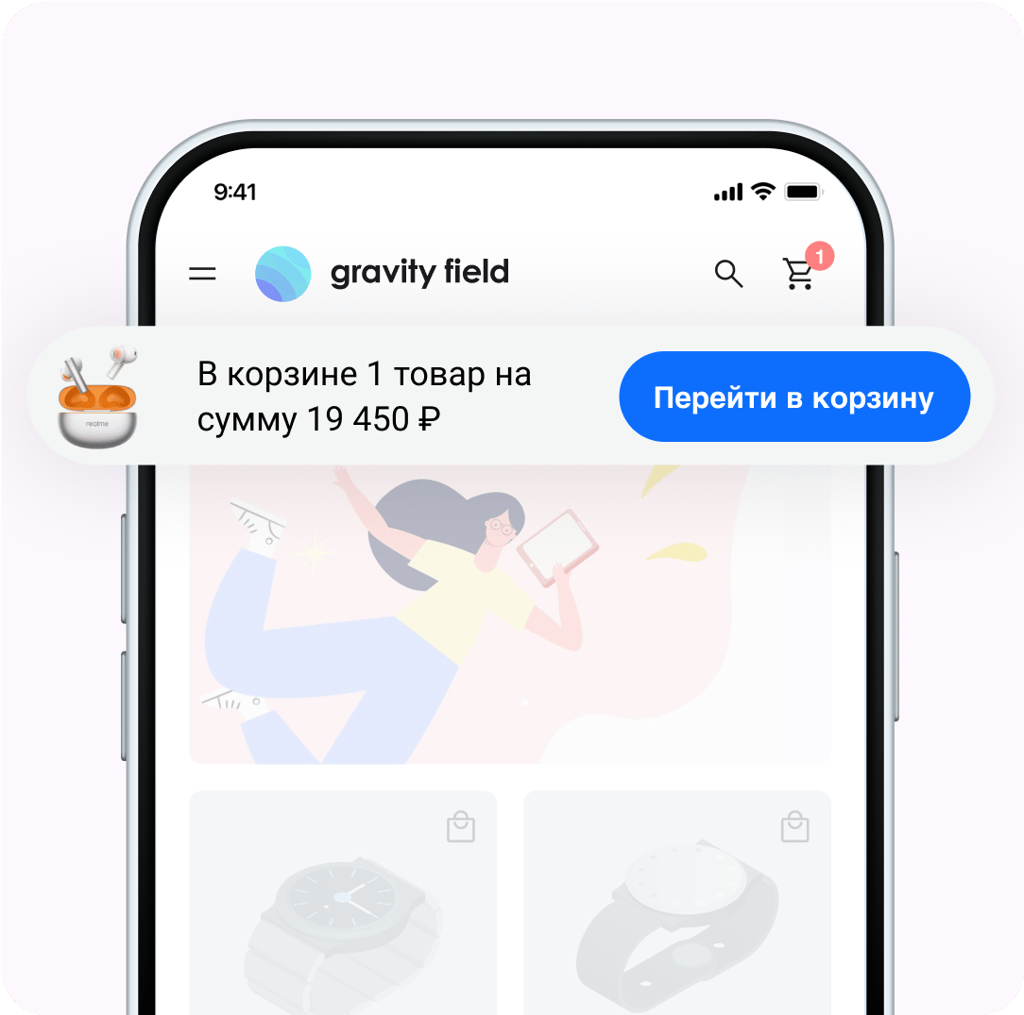
The point is not to overload the interface. In-app communication can be soft and unobtrusive if you use formats such as toast notifications, hints and gentle slide-ins in the right context.
Difficulty measuring the effect
Push notifications are easy to measure with CTR — but what about in-app?

Platforms such as Gravity Field let you run A/B tests and measure precisely how in-app communication affects user behaviour and sales.
How to choose the right platform
When picking a platform for in-app communication, look at:
- a visual no-code editor, so scenarios can be launched without IT,
- flexible targeting (by behaviour, segment, timing),
- built-in analytics and A/B testing,
- how fast and how simple the integration is,
- personalisation support, so messages are always relevant.
Gravity Field covers all of the above, so marketers can launch and validate hypotheses quickly.
Where to start
If you already use push, the next step is to strengthen communication inside the app.
Try launching a single test scenario:
- Pick a business-critical point (the payment screen, for instance).
- Configure a pop-up without writing any code.
- Run an A/B test and measure the effect on conversion.
At Gravity Field we help teams launch their first scenarios and read the result within a few days.
👉 Book a demo and see how it works for yourself.


